 Voxline
Two ways to set it up
Phone only
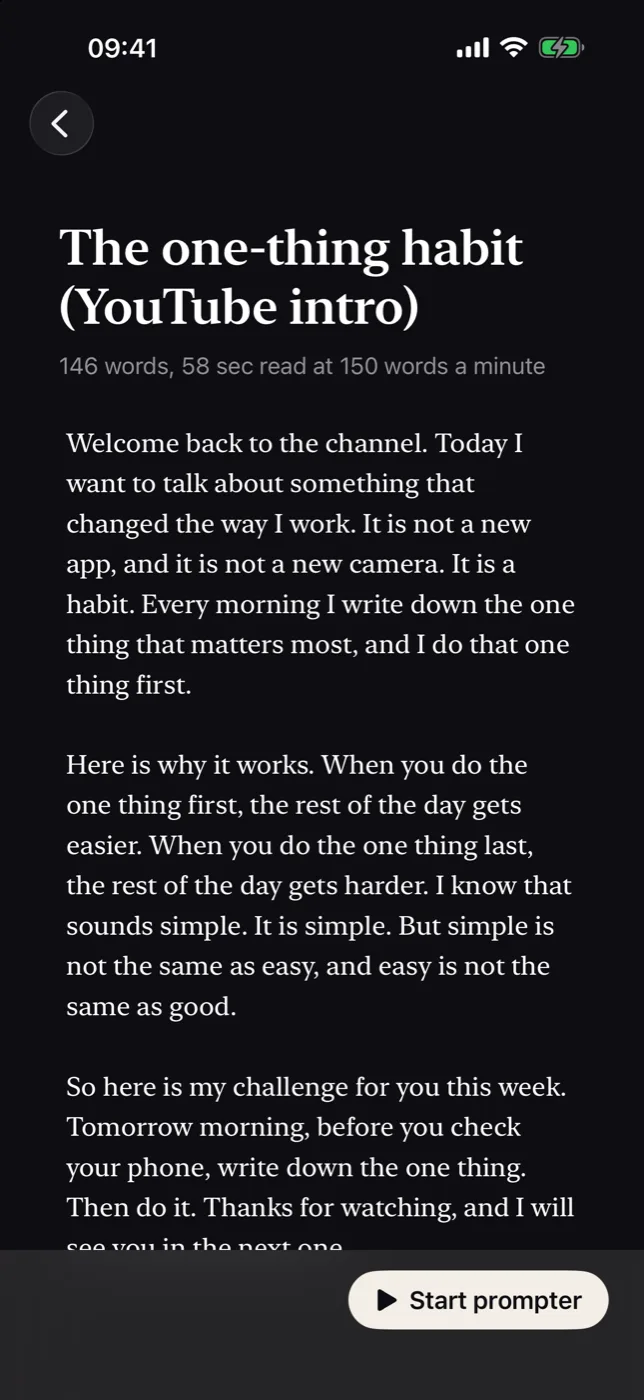
Record with the iPhone's front camera and read the script on the same screen. Keep the text in the top third, close to the lens, and hold the phone at arm's length or farther on a tripod. The farther away the camera, the less your eye movement shows. Voxline records takes while you read, and saves each one as its own clip.
Phone plus a camera
Put the phone in a beam-splitter rig in front of your main camera, flip on mirror mode so the glass shows the text the right way round, and set the type large: somewhere between 40 and 70 point is a good start for a rig at arm's length.
Size the script before you film
| Video part | Length | Words at 150/min |
|---|---|---|
| Hook | 15 seconds | about 40 |
| Intro | 60 seconds | about 150 |
| Short | under 60 seconds | up to 150 |
| Main video | 8 to 12 minutes | 1,200 to 1,800 |
Voxline shows the word count and read time for every script, at 150 words a minute, so you can trim before you press record.
The scroll is what makes it look fake
A fixed-speed scroll forces you to read at its pace. Slow down to land a point and it leaves you behind; speed up and you catch it. Either way, your delivery bends to the machine. A prompter that follows your voice flips that around.
That is the failure people describe most with voice scrolling. Voxline moves only when it hears words from your script, holds still while you ad-lib, and finds you again if you skip a line. If you're on a Mac for screen-recorded videos, the notch prompter sits right under the webcam.
Write it the way you talk
- Short sentences. If you run out of breath reading it, split it.
- Contractions. “It's”, not “it is”, unless you mean the emphasis.
- Paragraph breaks where you would pause. They become your breathing marks on the prompter.
- No script yet? Use talk your points: say it out loud, then read your own words back.
New to prompters? Start with how to use a teleprompter.