 Voxline
The seven steps
- Write for the earShort sentences, contractions and paragraph breaks where you would breathe. Read it out loud once and fix every spot you stumble.
- Put the words next to the lensOn a phone, keep the reading line in the top third near the front camera. On a Mac, put the prompter right under the webcam. In a rig, the glass sits in front of the lens.
- Move the camera backThe farther the camera is from you, the smaller your eye movement looks. Arm's length is the minimum; a tripod a meter or two away is better.
- Set the type sizeBig enough to read without squinting from where you stand, small enough that a line holds five to eight words. That keeps your eyes still.
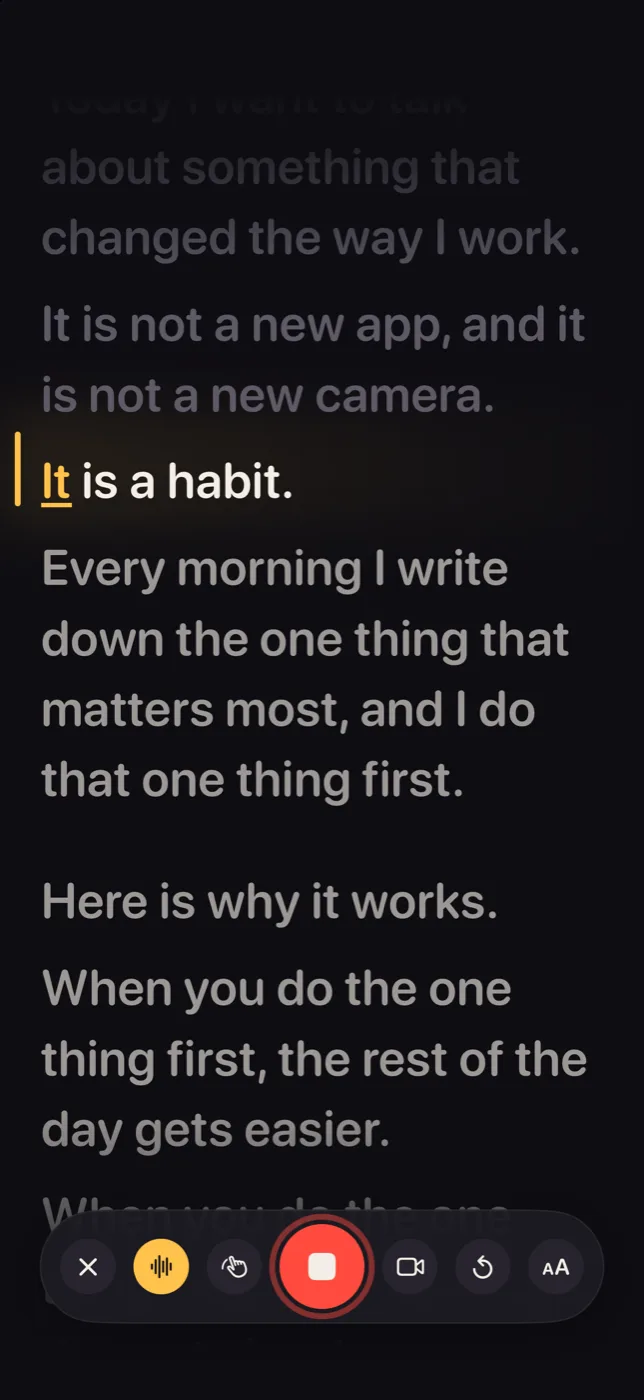
- Choose how it scrollsManual speed works for a steady read. Voice follow lets you pause, slow down and ad-lib without losing your place.
- Rehearse once, out loudOne run-through finds the words you trip over. Change them in the script rather than trying to get them right on camera.
- Record, and keep every takeDo two or three takes back to back. Keep them all; pick the best one later instead of judging mid-shoot.
Why reading on camera sounds robotic
It is rarely the words. It is the rhythm. A fixed-speed scroll makes every sentence the same length in time, so you stop pausing where you would naturally pause, and you stop stressing the word that matters. Viewers hear that as reading.
Three habits fix most of it:
- Pause at paragraph breaks. Write them in on purpose; they are your breath marks.
- Hit one word per sentence. Decide which before you record.
- Allow yourself one ad-lib. A small aside is what makes the rest sound unscripted. With Voxline, the prompter waits while you say it.
If voice scrolling has burned you before
The common complaint about voice-tracking prompters is that they jump ahead or stall. Voxline had to pass a lab test on recorded reads before launch: no false jumps ahead, no stall longer than two seconds, and back on your line within three seconds of a skip.
Where to go from here
Filming for a channel? Read the YouTube teleprompter guide. On calls? See teleprompter for Zoom. Deciding whether to memorize instead? Here is how to memorize a script fast.